Brother MFC-L3720CDW scanner on Debian
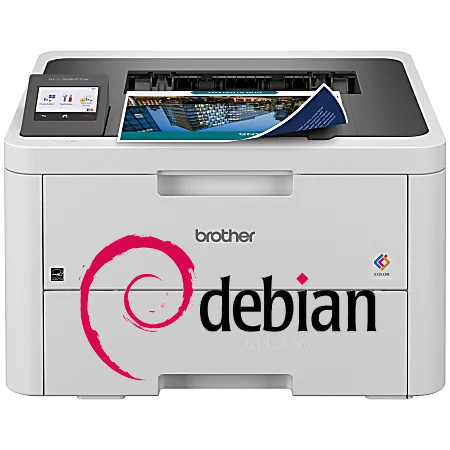
The Brother MFC-L3720CDW prints reliably over the network, but scanning through XSane was unreliable. Here’s how I fixed it.
XSane detected the scanner correctly, yet roughly one out of every two or three scans failed with long delays, was cancelled or had i/o errors. Weird, because printing worked just fine. Folks suggested to use the Brother scanning package, but I wasn’t ready to do that.
So – I did a little bit of debugging. Turns out the Brother has a weird timeout behavior. It simply doesn’t answer on it’s tcp stack (port 444 or 80). But – why would printing work?
tcpdump gave a hint: CUPS does a short avahi-browse before / while proceeding with the printing process on the tcp ports. And yes, that seems to be working. Running a ping in one console and and avahi-browse in another console showed the ping answering as long as the avahi-browse was active. But the printer went to sleep right after the avahi-browse was done. So, the general idea was clear, but a possible solution was not.
avahi-browse -rt _ipps._tcp
The Brother seems to protect the “normal” network stack aggressively. No ping, no netcat, no curl. And no scanning. But – thankfully, arping also woke the printer up reliably.
/usr/sbin/arping -I eno1 192.168.1.101
ARPING 192.168.1.101
60 bytes from 83:5e:61:73:31:18 (192.168.1.101: index=0 time=13.175 msec
60 bytes from 83:5e:61:73:31:18 (192.168.1.101): index=1 time=251.463 msec
^C
— 192.168.1.101 statistics —
2 packets transmitted, 2 packets received, 0% unanswered (0 extra)
So, with an arping running on in a console, scanning via Xsane was working flawlessly. We found a way to get the process going without the Brother software package.
The only thing remaining was a script knitted around our needs.
#!/bin/sh
sudo /usr/sbin/arping -I eno1 -q 192.168.1.101 >/dev/null 2>&1 &
ARP_PID=$!
xsane
kill “$ARP_PID”
and a nice desktop config.
#!/usr/bin/env xdg-open
[Desktop Entry]
Type=Application
Name=XSane Brother
Comment=Start XSane with Brother keepalive
Exec=/usr/local/bin/xsane-brother
Icon=scanner
Terminal=false
Categories=Graphics;Scanning;
You need to put the user (yourself?) in the sudoers to be allowed to run arping.
Testing revealed everything working as it should now.
Michaela Merz is an entrepreneur and first generation hacker. Her career started even before the Internet was available. She invented and developed a number of technologies now considered to be standard in modern web-environments. She is a software engineer, a Medical Rescue volunteer, an Advanced Emergency Medical Technician, a FAA Part 61 (PPL , IFR) , Part 107 certified UAS pilot and a licensed ham . More about Michaela ..